Sign in to your account to download products and manage your subscription.

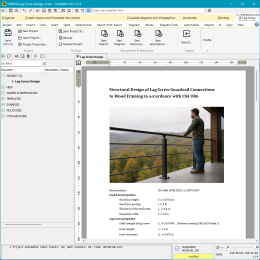
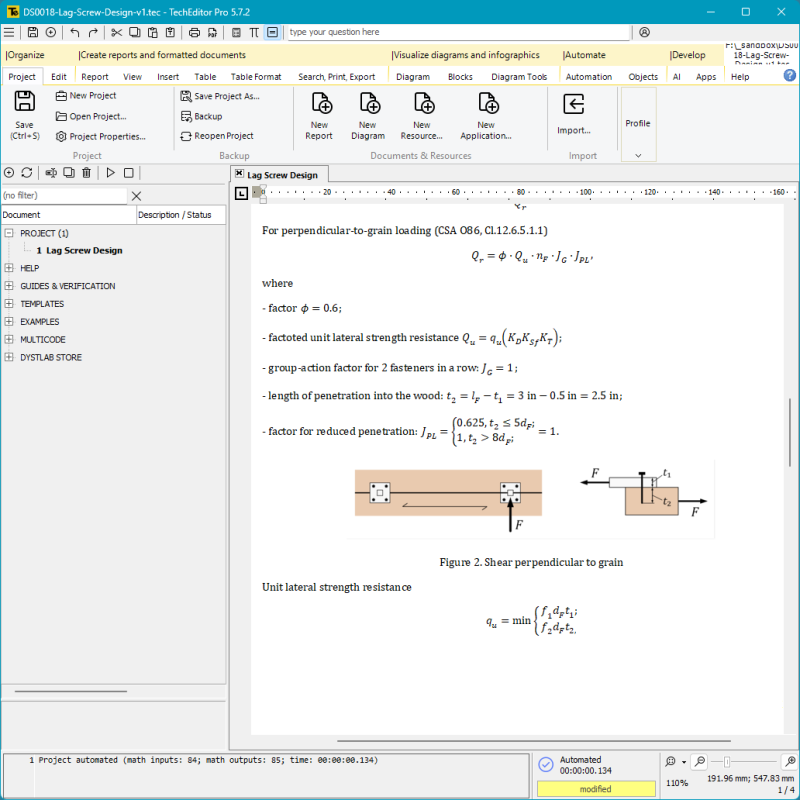
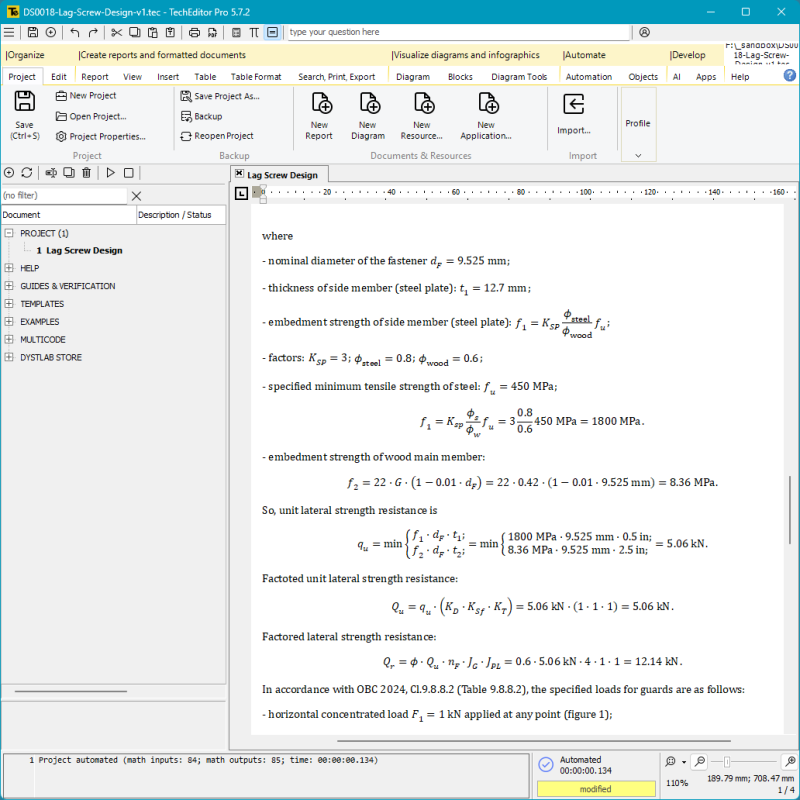
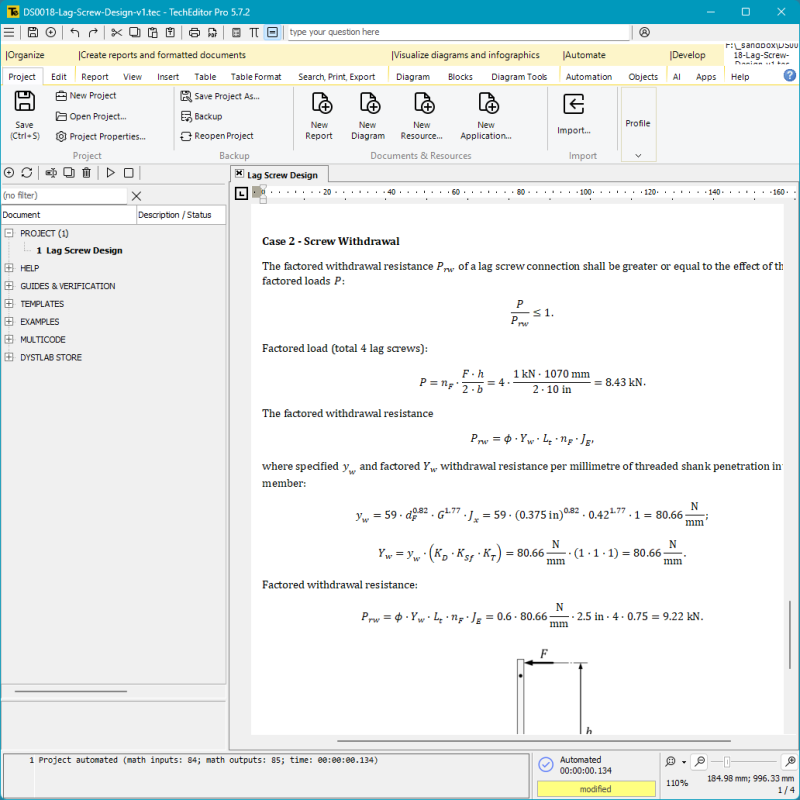
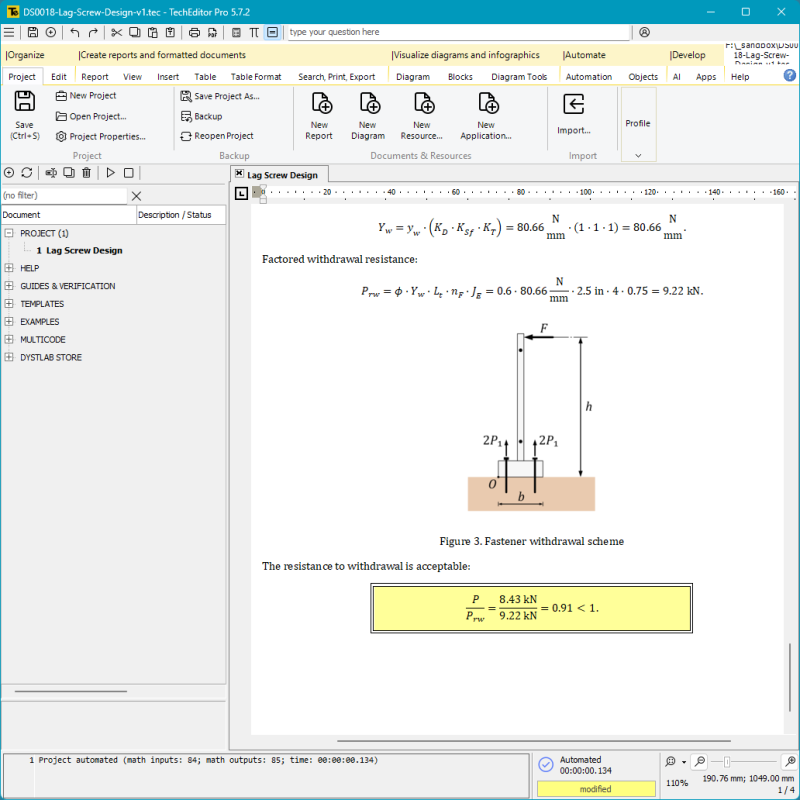
Structural Design of Lag Screw Guardrail Connections to Wood Framing in accordance with CSA O86.
Structural Design of Lag Screw Guardrail Connections to Wood Framing in accordance with CSA O86.
Log in / Sign in to download this product. Subscribers of all plans have access.
Operating system:
Monitor, memory, processor:
Browser and Internet access:
Internet access is required and is used for user web authorization, web content downloads, communication with LLM, and other functions.
3.1.1 THIS DYSTLAB PRODUCT IS PROVIDED "AS IS", WITHOUT WARRANTY OF ANY KIND, EXPRESS OR IMPLIED, INCLUDING BUT NOT LIMITED TO THE WARRANTIES OF MERCHANTABILITY, FITNESS FOR A PARTICULAR PURPOSE AND NONINFRINGEMENT. IN NO EVENT SHALL THE AUTHORS OR COPYRIGHT HOLDERS OF THE PRODUCT BE LIABLE FOR ANY DAMAGES, CLAIMS OR CONSEQUENCES OF THIS LICENSE AGREEMENT, WHETHER IN TORT OR OTHERWISE, ARISING OUT OF THE USE OF THE PRODUCT OR ANY OTHER ACTIONS TAKEN WITH THE PRODUCT.
WARNING! USE OF THIS SOFTWARE IS PROHIBITED IN THE FOLLOWING COUNTRIES:
1) RUSSIA (RUSSIAN FEDERATION)
2) BELARUS (REPUBLIC OF BELARUS)
3) NORTH KOREA (DEMOCRATIC PEOPLE'S REPUBLIC OF KOREA)
4) IRAN (ISLAMIC REPUBLIC OF IRAN)
We develop digital solutions for engineering companies and design businesses. We advise, research, and help with the automation of calculations, design, and systematization of technical documentation.
innot needed textfoanother not needed text@dystlabdummy text.com




![0073. Calculation of a reinforced concrete rectangular beam (one-way slab) with double reinforcement in TechEditor - [CSA A23.3] - [Canada]](/media/com_eshop/products/resized/ds0073-1-260x260.png "0073. Calculation of a reinforced concrete rectangular beam (one-way slab) with double reinforcement in TechEditor - [CSA A23.3] - [Canada]")